
Build a Client Onboarding Kit That Prevents Rework
Create a practical onboarding package that sets expectations, collects inputs, assigns responsibilities, and makes the first win easier.
Watch the overview
3 minPrefer to read? The complete article and copyable prompts are directly below.
Rework often starts before the real work begins. Missing inputs, unclear roles, and unstated expectations can turn a promising new client into weeks of preventable friction.
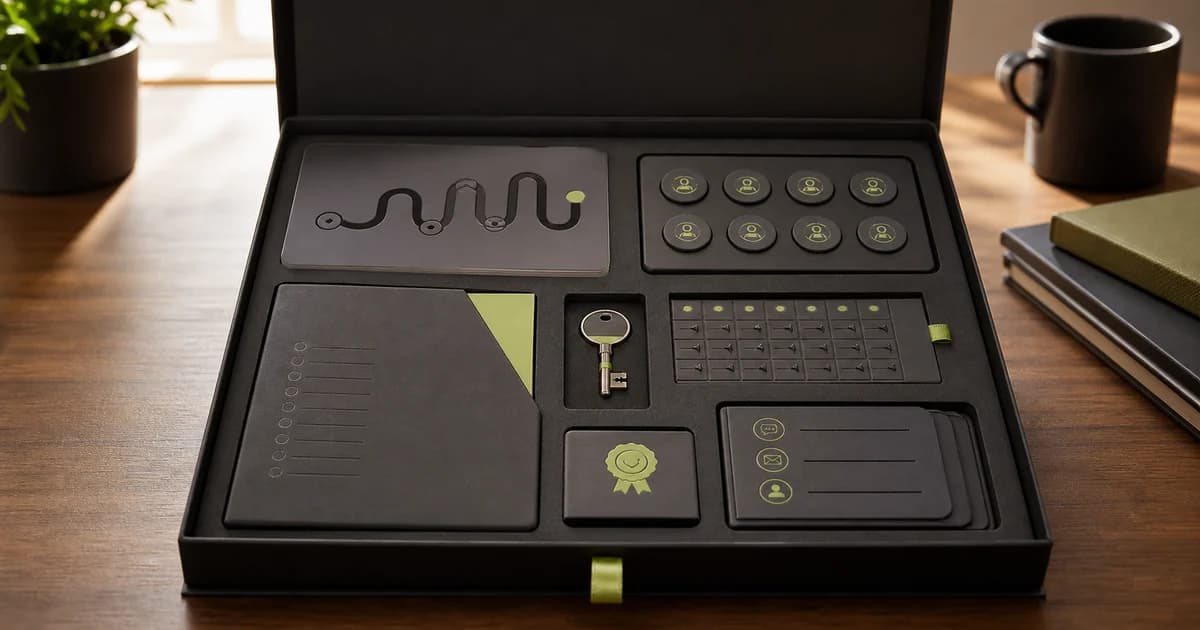
This guide helps you create a client onboarding kit with a welcome message, kickoff agenda, responsibility map, input checklist, communication rules, and first milestone.
What you need
- Your signed scope and approved commercial terms
- The inputs clients must provide
- Your communication, approval, revision, and escalation process
The workflow
1. Audit where projects stall
List the missing inputs, unclear owners, slow approvals, and expectation gaps that caused rework in past projects.
2. Design the first ten days
Show the client what happens, what you need, who decides, and what a good first milestone looks like.
3. Make responsibilities mutual
Onboarding should explain your commitments and the client's responsibilities. Keep the tone collaborative, not defensive.
4. Create one source of truth
Choose where files, decisions, approvals, and status live. Do not scatter critical information across chat, email, and documents.
Copy this working prompt
Replace every bracketed field with verified information from your business. If you do not know something, write unknown instead of guessing.
Help me build a clear client onboarding kit from the approved delivery facts below.

Service and scope:
[PASTE APPROVED SCOPE]

Timeline and first milestone:
[PASTE APPROVED TIMING]

Inputs we need from the client:
[LIST INPUTS]

Our responsibilities:
[LIST COMMITMENTS]

Client responsibilities:
[LIST COMMITMENTS]

Communication, approval, revision, and escalation rules:
[PASTE APPROVED POLICIES]

Common causes of delay or rework:
[LIST REAL PATTERNS]

Create:
1. Welcome email
2. First-ten-days timeline
3. Input checklist with owner and due date fields
4. Kickoff meeting agenda
5. Responsibility map
6. Communication and response-time guide
7. Approval and revision guide
8. What can delay the project
9. First-win definition
10. Client questions we still need answered

Use a warm, direct tone. Mark missing policies [CONFIRM]. Do not create promises, terms, deadlines, or scope.
Run a second-pass review
The first output should not be the final answer. Use this challenge prompt to find weak evidence, hidden assumptions, or avoidable risk.
Review this onboarding kit from the client's perspective. Identify unclear requests, hidden work, unexplained terminology, conflicting deadlines, and places where the client may not know what good looks like.What good looks like
- Every input has an owner and purpose
- The first milestone is visible
- Approval and revision expectations are easy to find
Review before you use it
- Does the kit match the signed scope?
- Could a client complete the checklist without a meeting?
- Is there one source of truth?
Privacy and judgment guardrails
- Remove passwords, payment details, private health information, and confidential customer data before pasting anything into an AI tool.
- Treat the output as a working draft. A person remains responsible for the decision, promise, price, and final send.
- Do not let AI invent customer quotes, financial figures, legal terms, capabilities, deadlines, or proof.
Your next action
Use the kit with one new client and record every question they still ask. Those questions become the next revision.
If your AI tool still lacks the context to do this well, first Build the business context behind your documents.